I pulled up Station View in my browser yesterday night to make sure my Shake was sending data because I had done some ethernet cable swapping to get rid of some cables. Did not touch anything on my shake whatsoever so it should not have had any impact but I’ve learned it is just better to check rather than assume.
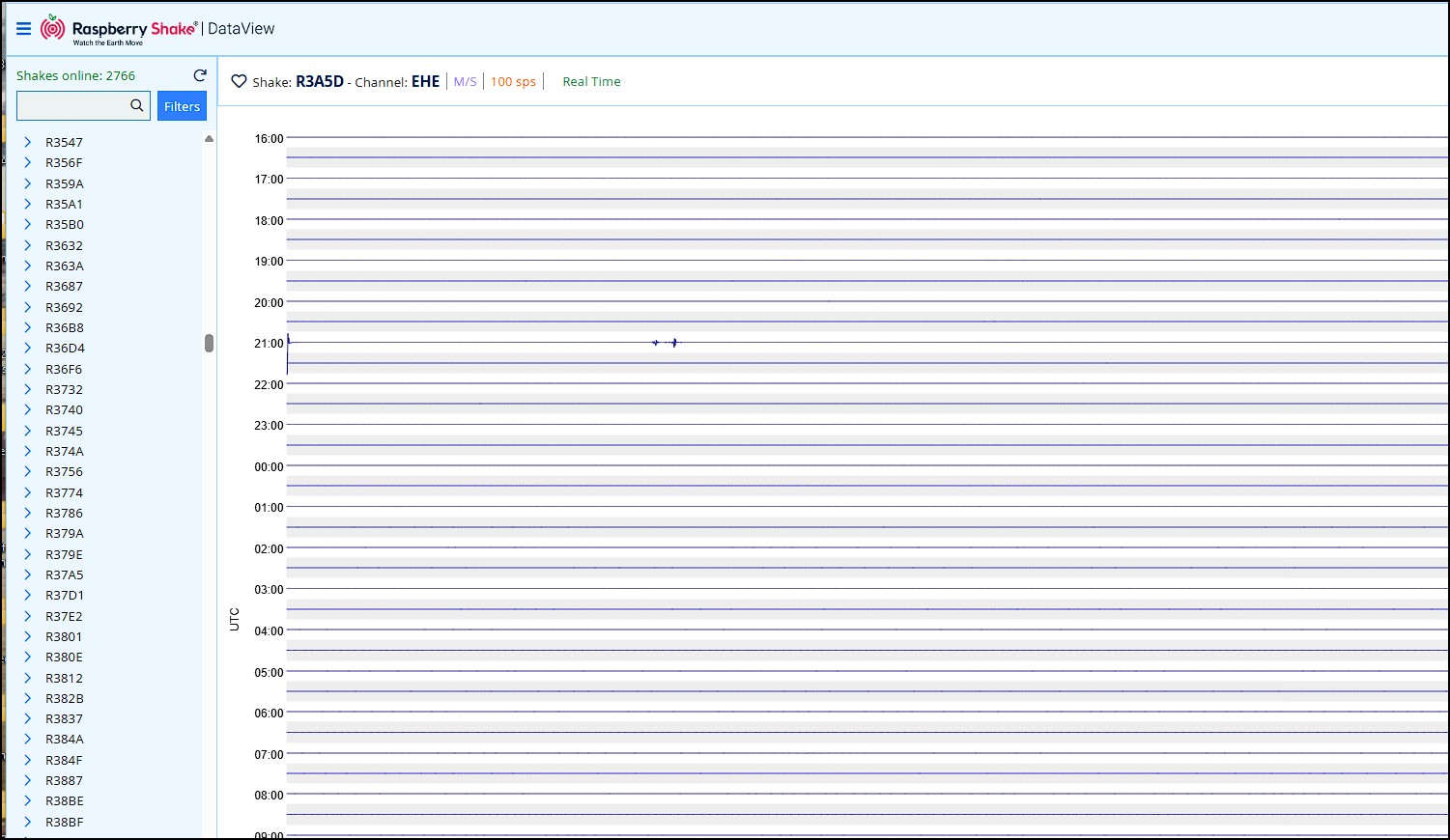
What came up was the Data View as expected, but the actual data I was looking at was “not right”. I’ve had this Shake for a few years now so I know what my data is going to look like when I launch it in the browser (Chrome, up to date) and I knew something was wrong.
Here is what comes up in Data View when I launch Data View in a new tab. It is drawing a line that has none of the noise my shake captures.
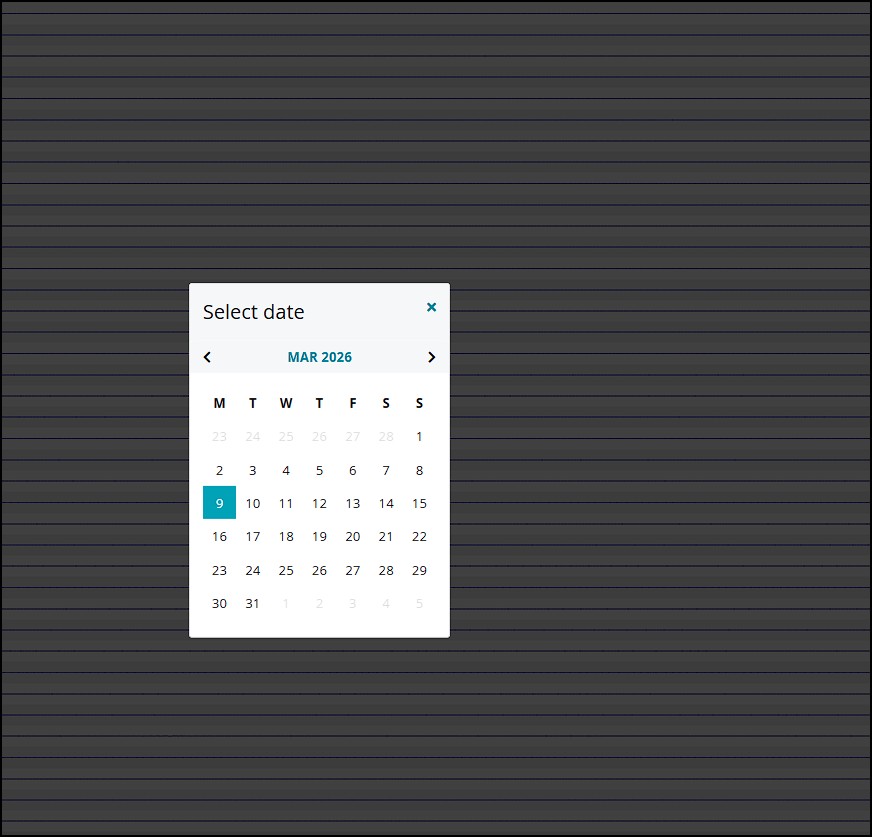
If I go to the view settings in the upper right of the page and select the current DAY, it will then load another page that is correct. The picture below is just to show what I am selecting.
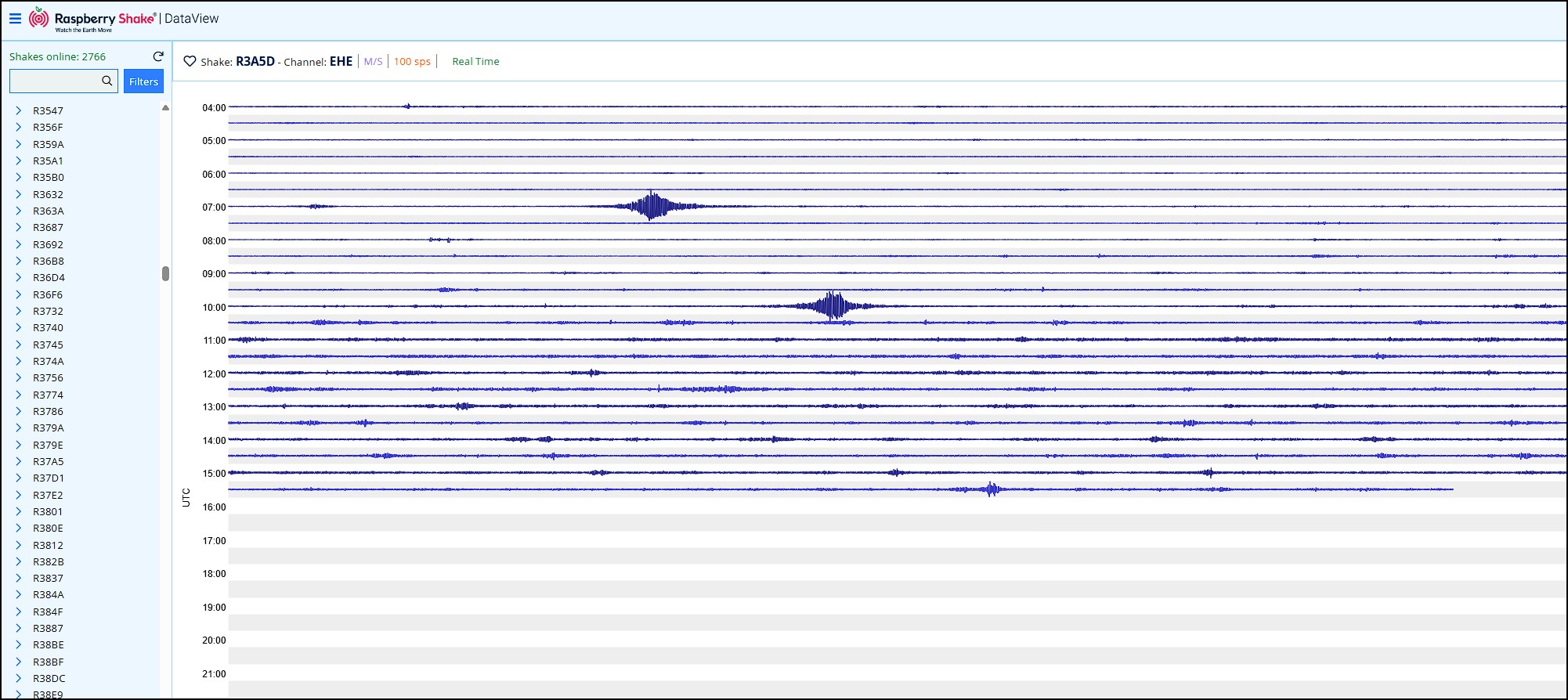
After I select today’s date, I get a correct presentation of the data. That is in the picture below. Until yesterday night, this is what I would see.
I’m inclined to think this is tied to the local time change from Eastern Standard Time to Eastern Daylight Time is not synching correctly. I generally do not believe in coincidences and for this to happen on the day of the local time change seems like one of those coincidences that I would question. I had pulled up the Data View just a few days ago and everything was fine. What changed? We went to DST.
Also, I would note that the current data is at the bottom of the page on the problem picture and the time progresses up the sides while on the other image it looks more like the Time is static and the data works its way down the page.
1 Like
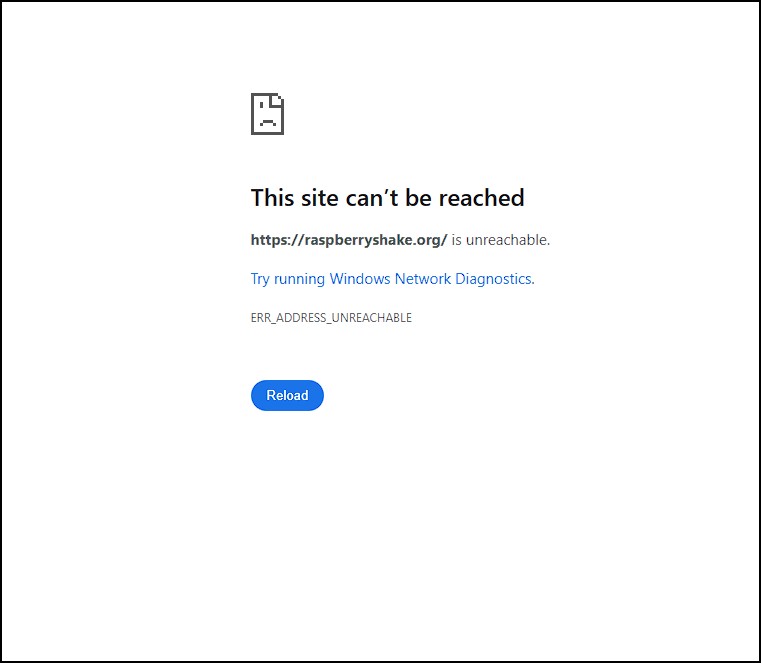
Is the Shake network down? Acts like it is. When I run https://raspberryshake.org/ in my browser I get a fail message.
Late change but I am getting nothing at all when I launch either Data View or Station View. I had Data View running from when I wrote the initial question. Just came back to it now (about 5 hours later) and there was a error type message about a data problem.
I thought that even if my Shake was off-line, the browser views would still work. That if I clicked on a different Shake device I would get that stations data.
1 Like
Hello yellowfin1, thanks for the detailed feedback!
Starting from the second message (RS websites not accessible), have you had a chance to try again and see if they are available to you now?
I’ve tried two/three times today, but all websites were working, so I couldn’t recreate your issue. It may have been a temporary unavailability that has been fixed, but please let us know if this happens again.
And yes, even if your Shake is offline, you can still consult all the other online Shakes that are connected and streaming live data to our servers.
Regarding the first, I’ve notified our software team to check whether what you have seen could be due to the DST change. Is it still doing it today?
Thank you!
There was some sort of broad based internet outage that was spread pretty widely that said there were 67 countries impacted and I am pretty sure that is what I was seeing with that last picture. I’ve not ever seen anything like that before personally But I was getting that Site can’t be reached on all sorts of sites.
There are some pretty sophisticated sites out there that monitor the internet and I was looking at them and they had tons of problems listed.
Seemed to clear up later yesterday evening by like I said, I had never seen such a wide outage before.
Some sites were just fine and my connection tested fine and the sites that were up were loading just fine so it didn’t take me long to figure out that last image was not a problem on my end but I was just unable to reach yours (and many others)
Whatever the original thing was that I posted, it seems to have just impacted that one day. I played around with it but I’m baffled.
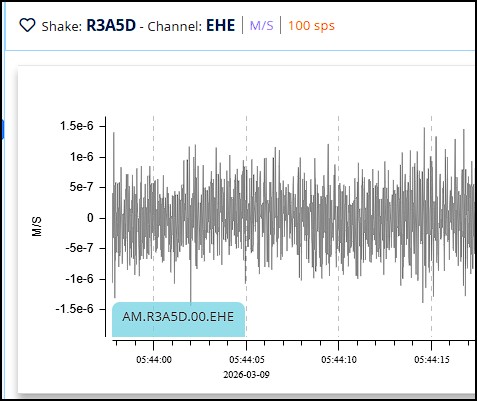
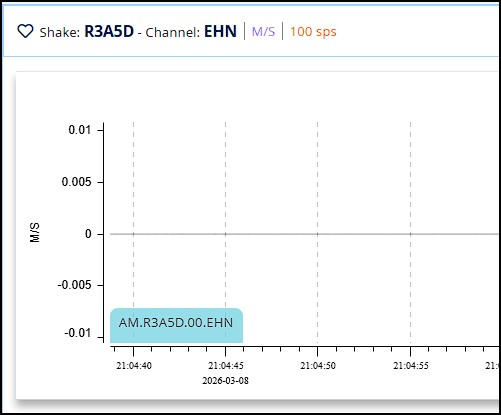
Can you explain the scale units and why they have changed. First picture you see those number 1.5e-6 while the second picture shows real numbers. That scale units issue continues
I worked in a powerplant that had a ton of instrumentation and at work when I saw numbers with letters intermingled it usually meant the instrument signal had been lost and that was the computers way of showing infinity
I’m not overly concerned about this issue but back when I was struggling to get my Shake device up and running I asked some question regarding when I go to rs.local the Pi shown says Unknown Model.That was in 2022 - 2023 time. I was cleaning up some unread notifications just now and saw that old question which prompted me to call rs.local and sure enough, still says Unknown Model. How does a Pi post that information? Is there a way to manually fix it and, does it even matter? The Shake has been running fine so that is all I really care about. You may have some use for it in troubleshooting in reading logs maybe?
Hello again yellowfin1,
Thanks for another detailed update. It’s quite possible that that was the case regarding website accessibility, but you did well in reporting it to us anyway. It’s always good to cross-check.
Let me clear up the two remaining questions:
Numbers with letters in them:
This is just scientific notation, a shorthand for writing very small numbers. For example, 1.5e-6 in the first plot scale simply means 0.0000015, with the “e-6” part meaning “move the decimal point 6 places to the left.”
Seismic vibrations can be incredibly tiny, and consequently, the values the Shake records are often extremely small numbers. Scientific notation is the tidiest way to display them.
When you see regular numbers on the scale instead (second plot), it just means the values at that moment happened to be a bit larger, which are more common perhaps during a slightly stronger event or a noisier period. The software switches between the two styles automatically to keep the display readable. Both numeric notations are thus completely normal.
Onto the second one, the Unknown Model is usually not a cause for concern, but if you’d like to get to the “bottom of things”, could download the logs from the Shake and send them to me? We could conduct a more detailed investigation using those files.
In any case, since your Shake has been running reliably for several years, this is purely a cosmetic labelling issue and does not affect how your device records or transmits data.