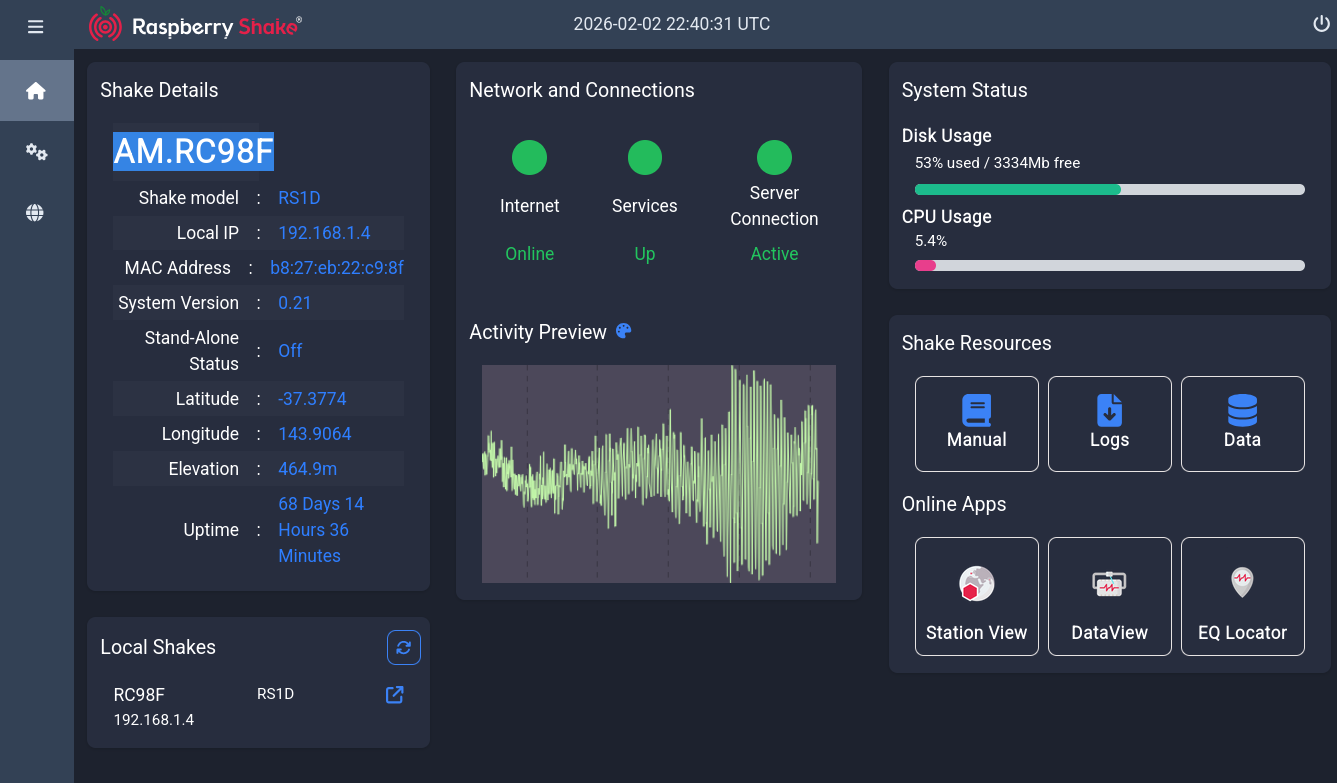
I have a Shake - RS1D - AM.RC98F
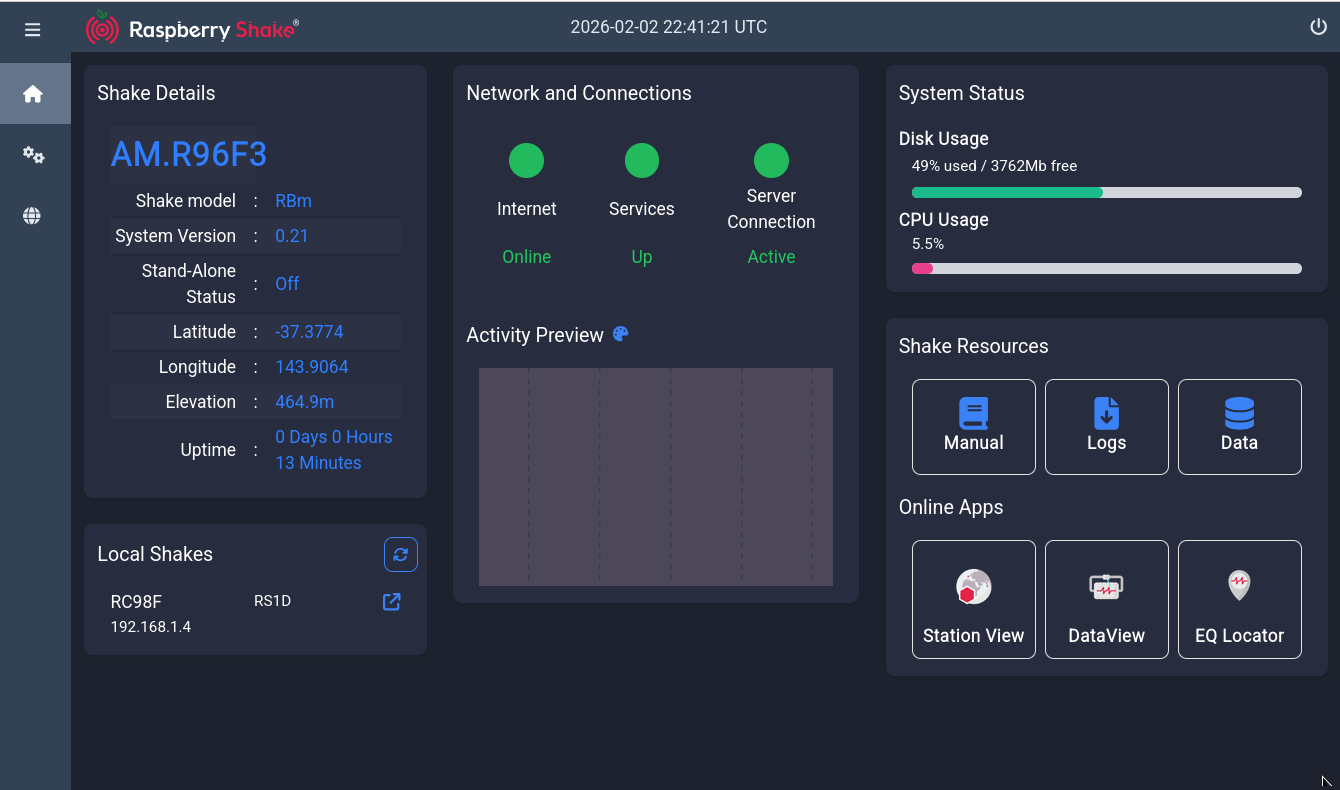
and a Boom - RBm - AM.R96F3
If I go to the StationView map and zoom into my location I can see the Boom, but not the Shake.
While they are both at the same location and share the same co-ordinates; it used to be that I could see both icons (overlapping) and could select either station. Now only the boom shows.
If I follow the Station View link on the individual shake/boom local pages…
The shake link takes me to the map but does not show me my shake station- instead it defaults to everything.
The boom link takes me directly to the boom and zooms in on it - as to be expected.
If I go to the drop down menu on the web page and search for the stations, only the boom is found ( is “deployed”) . A search for “RC98F” returns nothing.
Is it because they share the same co-ordinates and the new display software can’t adjust for that supposed error? I used to get both icons displaying and could see, and access, both stations from the Station View map.
Do I now need to fudge the co-ordinates, or is there something else going on?
I’m using Firefox 140.5.0esr on a Debian bookworm install.
I just opened the links using Google chrome and they both work.
I then went back and opened them in a private firefox window with the same - successful - result.
I’ll check later with a full browser restart.
I didn’t even suspect the browser as when I entered the shakes identifier into the browsers “Station search” drop down it resulted in no result so I figured an offsite query was failing.
No matter. Live and learn, as always.
I’ll take the win and shall remember the simple fix in case there’s a next time