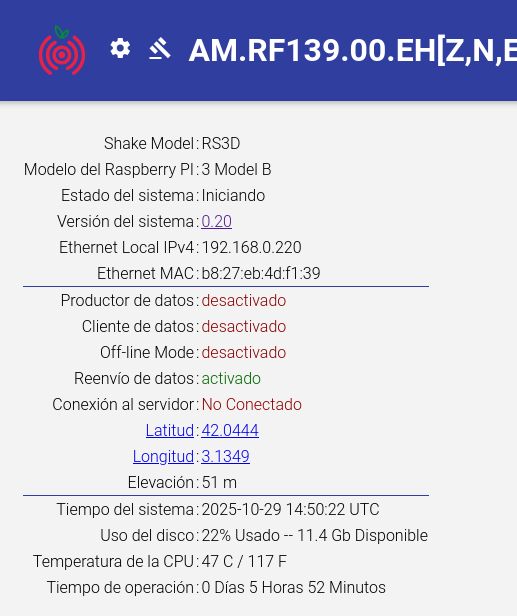
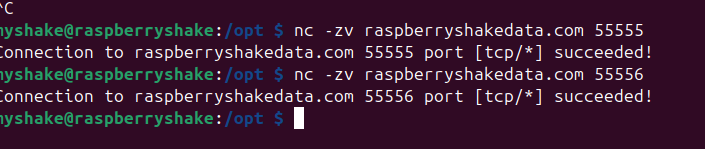
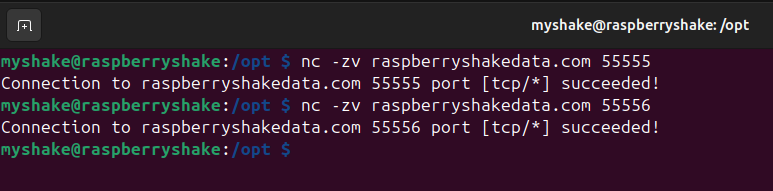
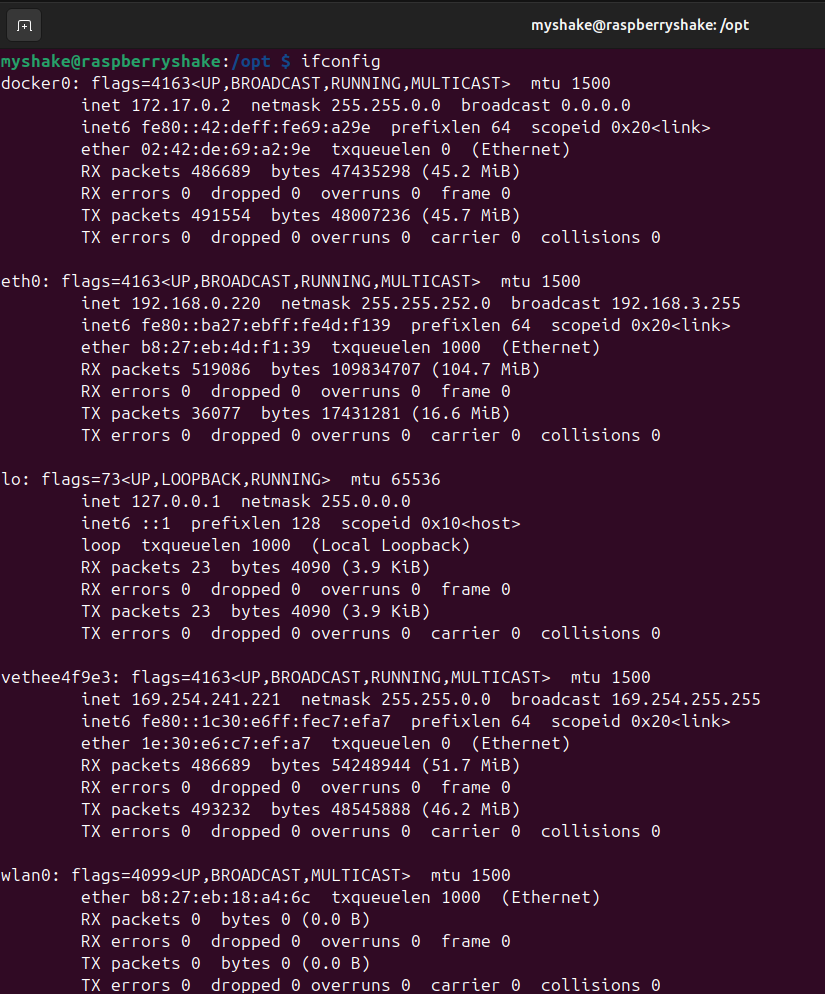
We have recently sent another RS 3D to a High School. They had several problems to see it in their restricted network, but after all they succeed opening the firewal after fixing the IP. Now they can suscesfully access to rs.local and raspberrshakedata server ports 55555 and 55556, but data producer, data client and server connection are still off ¿?
I asked for the logs but I have not received them yet. We tested the RS in our institute (CSIC) before sending it, and everything was working fine
Could you please check on your side if it is blocked? It came from another high school with a lot of network c0nnection problems and the signal was full of gaps…
Hello, thank you very much for your fast answer, let’s see if I have logs tomorrow morning.
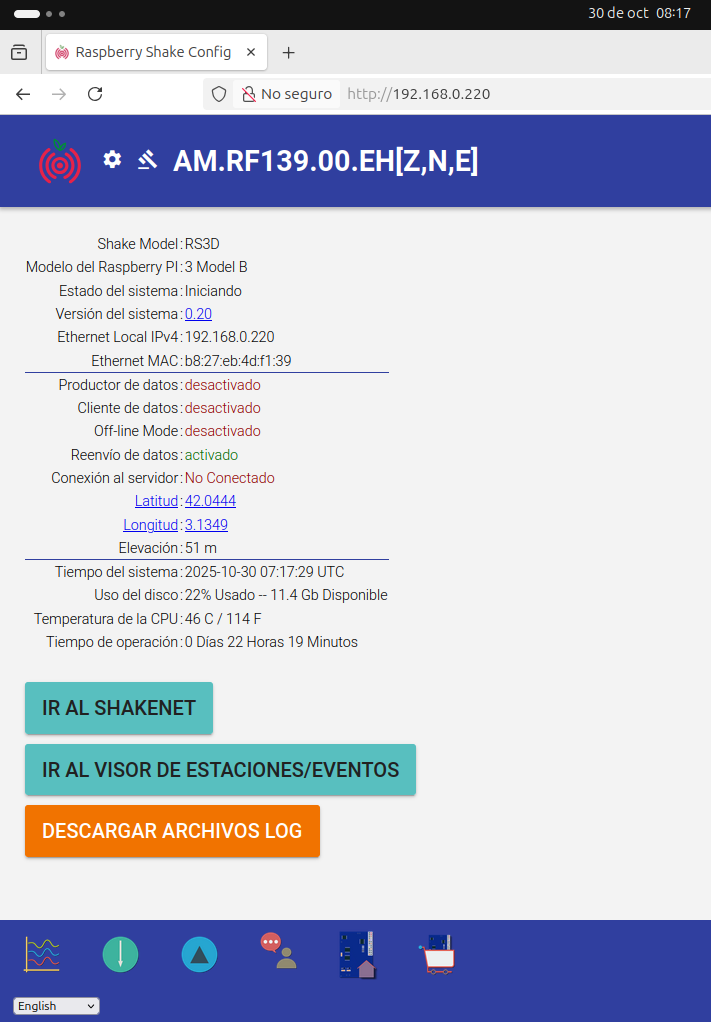
I have no access to it, so it colud still be booting when the screnshot was done by the teacher, but after some hours there is no connection to the system, so there is another problem.
I already have the log file, and some other screnshots. After 22h the RS-3D is still booting ¿? Something is happening there…
As told yesterday it came from another Institute with network connection problems, amb when we recovered it I reinstalled the SO and tested it in my office, it worked fine…
2025 302 08:59:03: Unable to read Firmware version number off of Serial Port /dev/serial0 after trying for 15 seconds, cannot continue!
2025 302 08:59:03: Is the Pi computer connected to the Raspberry Shake Board? Please confirm and try again.
Thank you for the logs (essential) and the other screenshots.
Two things emerge:
Until about 20 days ago, the Shake could boot correctly, but had issues finding an internet connection (I assume this is what you were describing in your initial message)
Since 2-3 days ago, instead, the Shake was displaying the Is the Pi computer connected to the Raspberry Shake Board? message at every reboot. And now the Shake is still in Booting conditions even after almost a day has passed.
The gibberish above, paired with buffer overflow errors, is usually a symptom of insufficient power supply, where the Shake cannot get enough power to either start or work properly.
I would recommend checking if the current power supply continues to deliver a stable voltage between 5.0 and 5.2V and a current of at least 2.5A at all times (3.0A if the Raspberry Pi board that is being used is a RPi4), as a decrease in power could lead to data services interruption. If you have another Pi power supply that you know is in working condition, please try exchanging the current one with that and see if the Shake now appears more stable. Also, try different wall sockets in the new Shake location.
A second check that you can do is to see if all the connections between the sensor, the blue Shake board, and the Pi board are still solid and free from dirt or any other element that could compromise transmission. If you decide to disassemble the Shake during this process, please refer to our recommended ESD (ElectroStatic Discharge) guidelines and assembly/disassembly video guides here.
Lastly, I would then recommend re-burning a completely new microSD, after formatting and erasing all its data/partitions first (you can use DISKPART for this as it is very efficient), and see how the Shake behaves with the newly installed system, possibly removing the issues we are seeing. I will leave the burning instructions link here for your convenience: microSD card topics.
I will ask them first if they changed the power source I sent together with the RS… If not I will recover the RS, and do all the checks you told us here in my office. I will take some days as RS is now in a village outside Barcelona.