Hello lhme123, and welcome to the community!
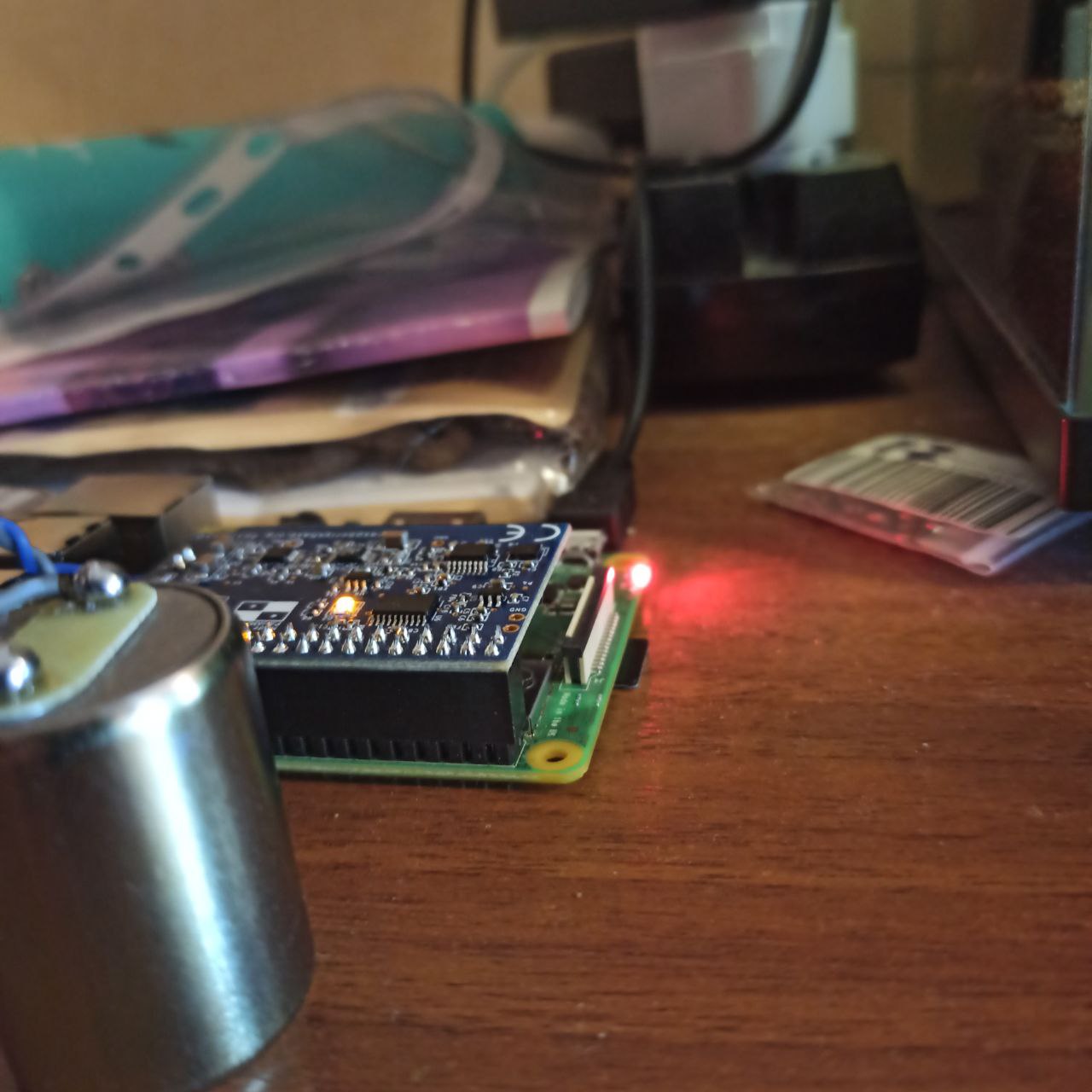
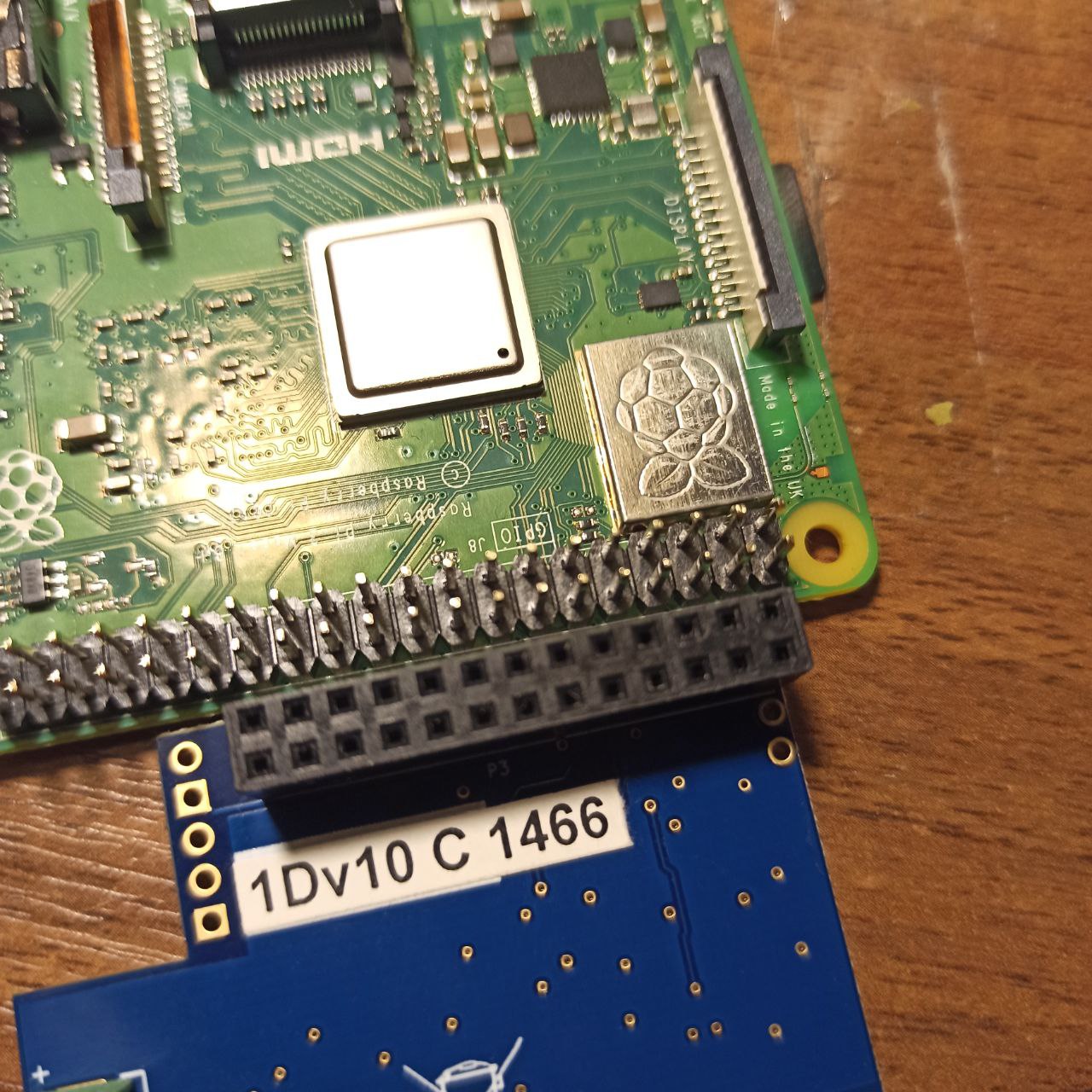
This is an interesting question! There are indeed some issues with the overall situation that your picture and logs (thanks for those) paint. Let’s see what we can do.
The first thing I would like you to check is if the 3B+ board you are using is compatible with our board/OS:
The Raspberry Shake RS3D, RS4D and RJAM supported module revisions:

00[10,13],900032: Model B+

a[01040,01041,21041,22042]: 2 Model B

a[02082,22082,32082,52082]: 3 Model B

a020d3: 3 Model B+

[a,b,c]03111, [b,c]03112, d03114: 4 Model B

Due to the form factor of the Model B (2 mounting holes diagonally-positioned), the Model B is not supported.
To check this, you can SSH into the Shake and execute cat /proc/cpuinfo. The result should be in the third-to-last output line.
I would also recommend checking if the current power supply continues to deliver a stable voltage between 5.0 and 5.2V and a current of at least 2.5A at all times (3.0A if the Raspberry Pi board that is being used is a RPi4), as a decrease in power could lead to data services interruption. If you have another Pi power supply that you know is in working condition, please try exchanging the current one with that and see if the Shake now appears more stable. Also, try different wall sockets, and if you are using it, do not employ a multiple socket extension.
And another (possibly redundant) check that you can do is to see if all the connections between the sensor, the blue Shake board, and the Pi board are still solid and free from dirt or any other element that could compromise transmission. I don’t think they are required, as you have done the work yourself already, but if needed, you can find dedicated video guides here.
Let me know how these checks go.