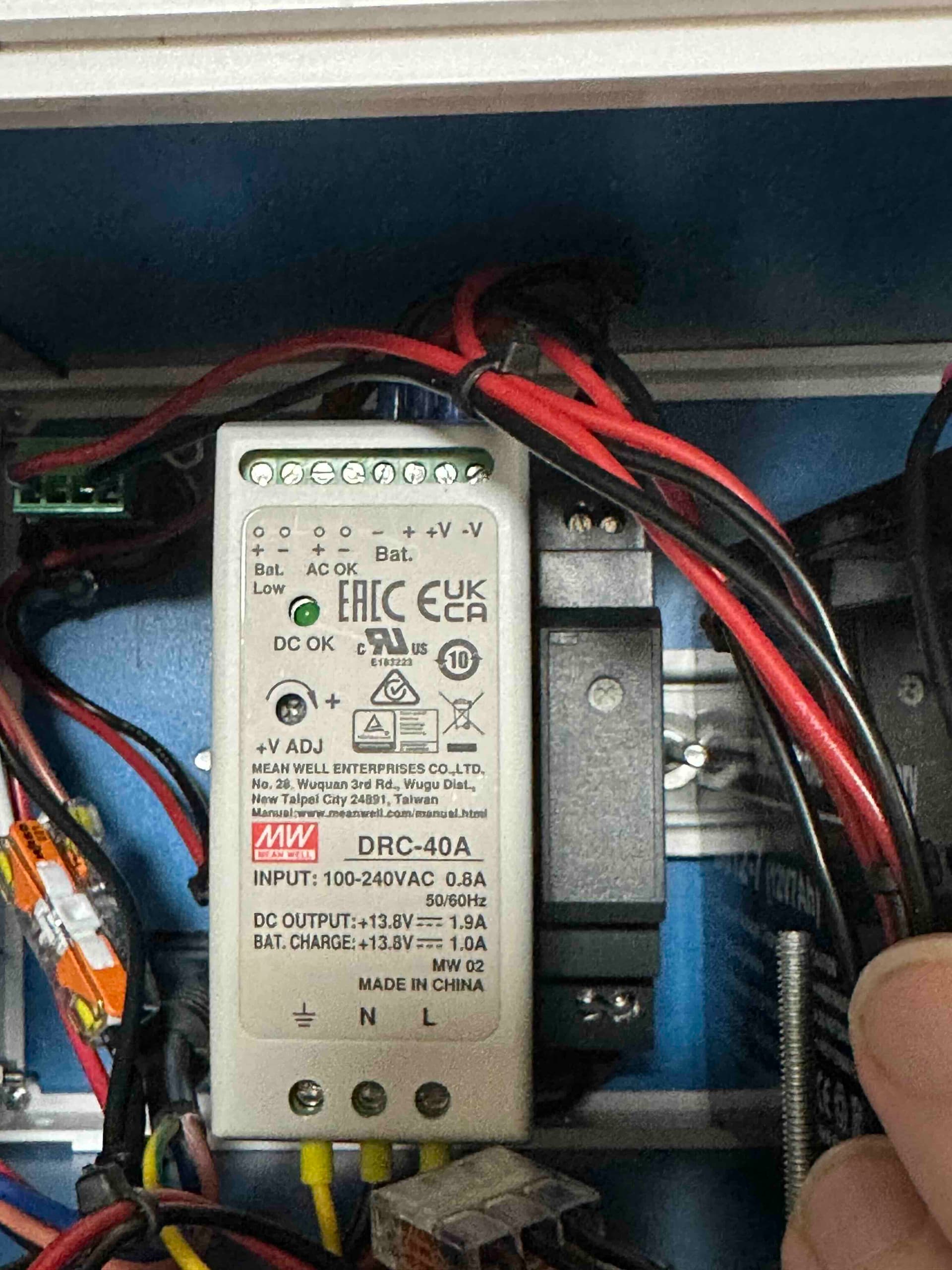
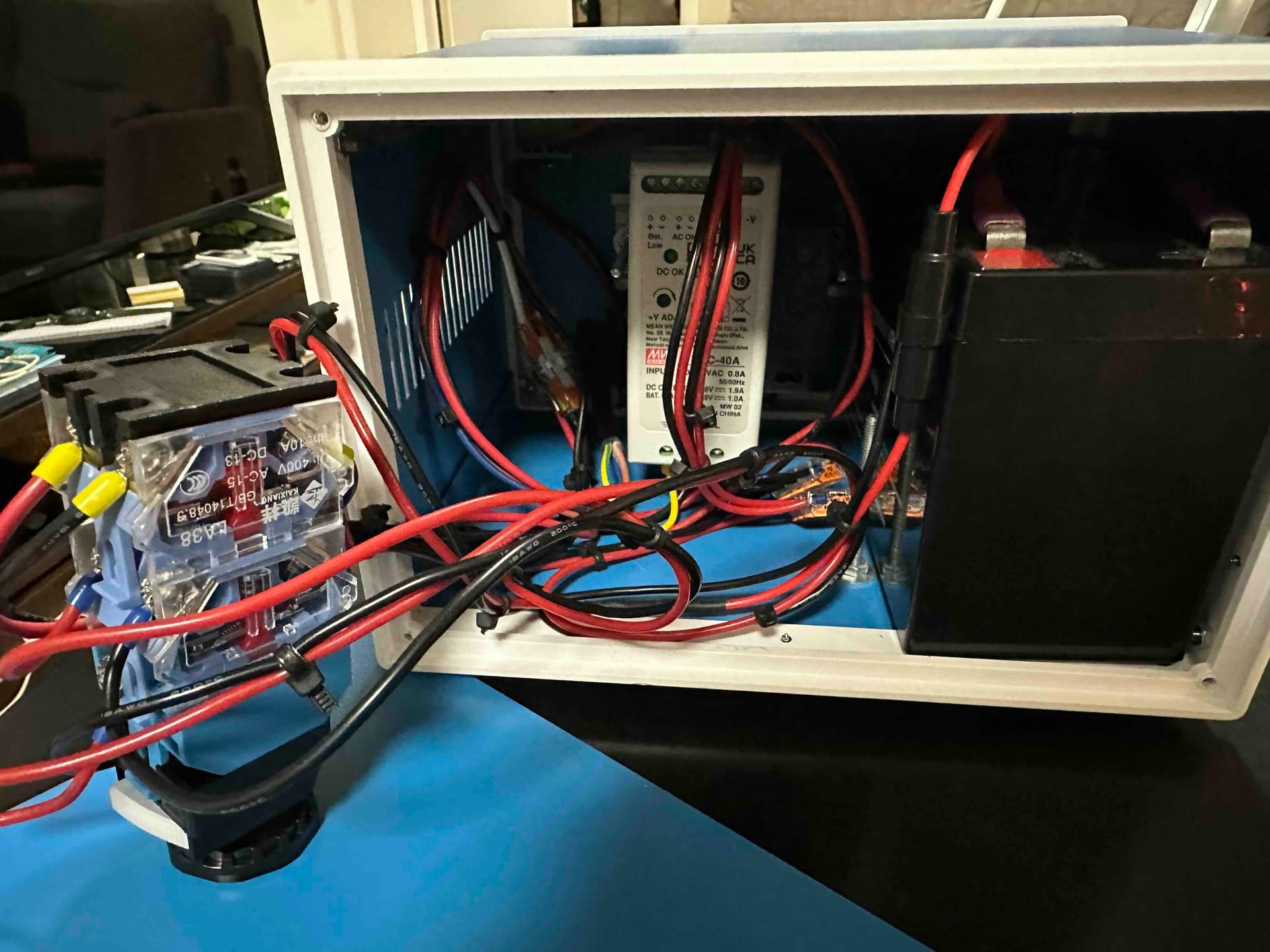
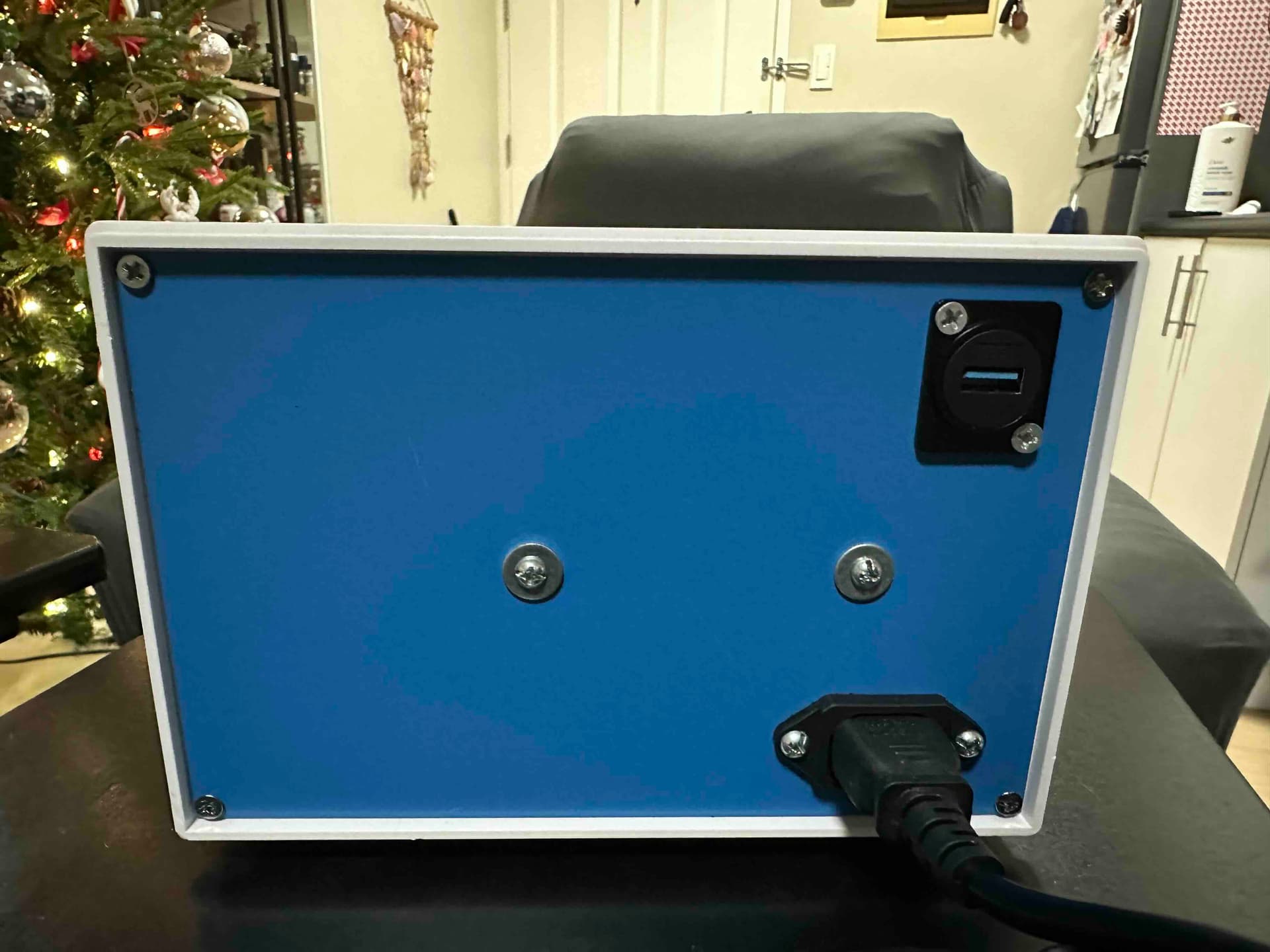
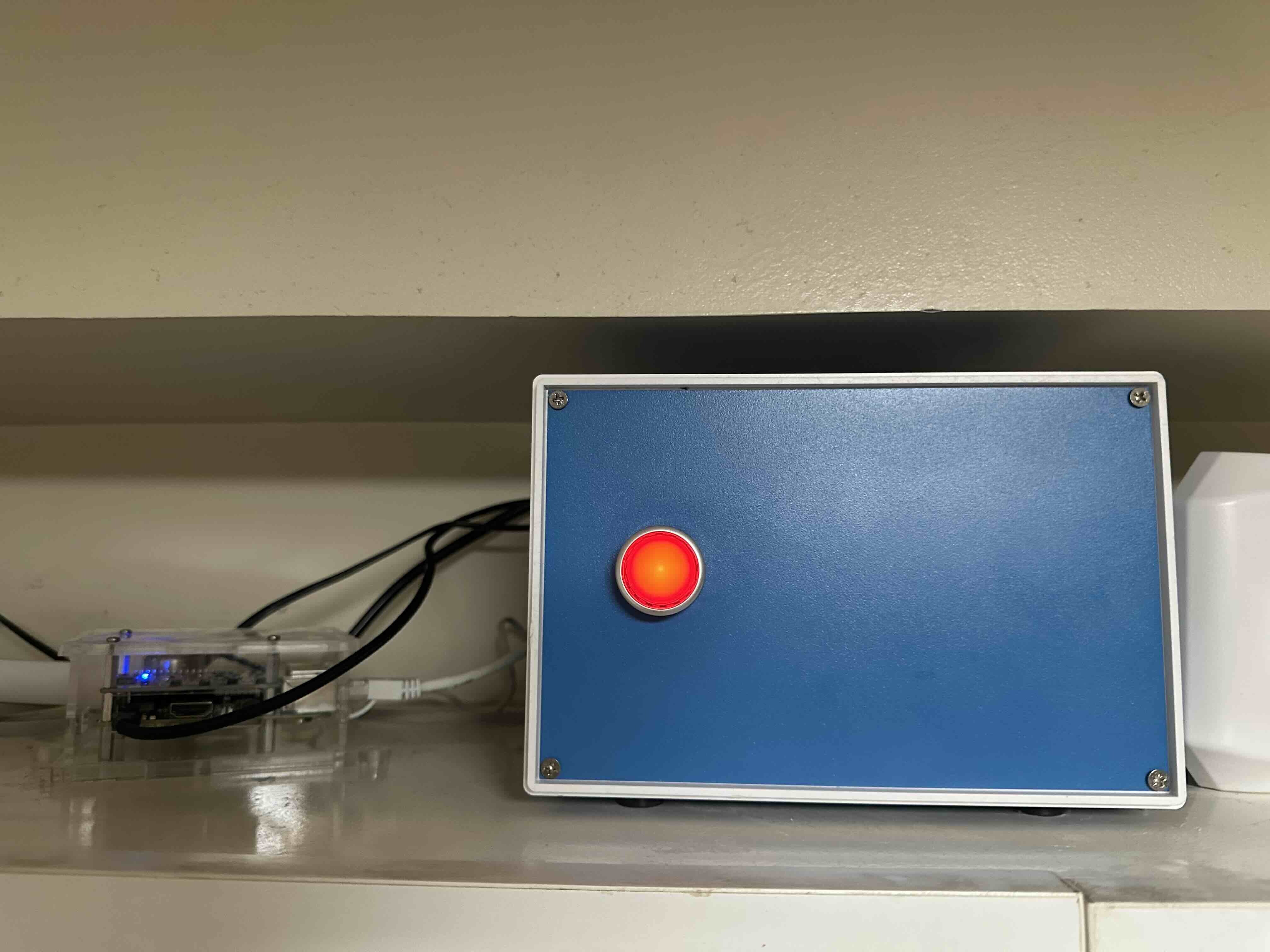
I made a battery backup for the Shake. I used a Mean Well DRC-40A (12V UPS module) and DDR-15G-5 (DC-DC converter that takes 9-36 VDC and outputs 5V at 3A.) I used a Sealed Lead Acid battery like you might find in a security system or emergency light. I ran the output to a USB bulkhead (just hooked to the power pins) and then with a USB-A cable to the shake. I also put some fuses and a cutoff button with indicator light, and put the whole thing in a project box that I mounted a little piece of DIN rail to the back of. I don’t know the prices of everything, because this project got delayed a bunch of times and I forgot some stuff, but probably under $100 total.
2 Likes
Love this!
Great approach to all elements from start to end. I’m sure it will be an inspiration for other users who want to self-build a battery back-up for their Raspberry Shakes.
Personally, I’m also impressed by the overall low cost. It seemed more expensive from the pictures so well done!
I ordered most of the parts from China directly (on Lazada) during the big Christmas sales last year. it would cost quite a bit more from Amazon and even more from digikey or mouser. I’m not sure what it would cost if I lived in the US, especially now with the tariffs.
2 Likes
Well, it doesn’t seem to work. The shake is only intermittently producing data on the battery box, so I switched it back to the factory power supply.
I don’t have time to troubleshoot it right now (nor a good way to measure the voltage at the Pi), but I set the voltage to 5.1 volts and it should be able to handle 3 amps.
It could be the USB cable (should have gotten Anker instead of UGreen), it could also be that I had to put it only a few inches from my WiFi modem.
I ordered a few USB to barrel jack cables, when I get them I’ll cut one up to measure the voltage at the barrel jack, and also try using one of those to the barrel jack instead of using the USB cable.
1 Like
Is the DRC-40A delivering enough current at 5V while also charging? I cannot tell if the output is a “and/and” or “and/or” for power or charging.
Good luck, it is a really nice looking project.
It could be the cable in the end, yes.
We had a couple of users that had everything set up right but the cable was underdelivering. Once changed, everything went back to normal.
It’s worth investigating when you have the time.
The UPS module is supposed to reduce the charging power if the demand is too high for both, and also the battery is fully charged. I don’t think it’s this since it’s rated for 40 watts, and the 12->5V converter can deal even if it drops to 9V (rated 9-36V).
I would more suspect the 12->5V converter, since it is only rated at 3 amps. I just replaced it with the 6 amp version (took forever to get because the typhoon flooded the shipping warehouse). I adjusted it to 5.10 volts. We’ll see how it goes. If it still starts glitching, I also ordered some 20-guage wire that I’ll solder directly into a micro-usb plug on one end and connect directly to the power supply on the other end, instead of going through two USB-A connectors and a bulkhead. It won’t look as nice but it would prove the problem and I could try to think of something better.
1 Like
Good luck. I set the output on my commercial 5V supply to 5.2V to compensate for the small voltage drop across the cable. Before that, I was seeing occasional Low Voltage warnings in the logs.
Glad Mactan is drying out! Good luck.
1 Like
It’s working good so far with the larger power supply.
I think the 3A requirement is not sufficient. I measured the current at less than 1A in normal operation, but I suspect that the data acquisition board or the pi draws large spikes of current and the capacitors in a standard 3A supply aren’t enough, causing the data board to reset and produce a gap in the data.
I am using a Mean Well brand supply, so I don’t think it’s especially under-spec’s. I recently got an oscilloscope and will see if I can figure out how to measure current with it.
1 Like
It’s doing the stop-start thing again.
I checked the logs and there are lots of low-voltage warnings.
I replaced the chain of USB connectors and cables with a short 20-gauge wire, with one end soldered to a micro-usb connector (that was a pain, it’s designed for smaller wire), and the other end connected directly to the power supply.
I also increased the voltage to 5.15v.
I’ll check the log tomorrow and see if I’m still getting any warnings.
1 Like
As I said, the small voltage drop from the length of power cable was enough to cause this with mine. The slight increase in voltage to 5.2VDC did it for me. Hope you have the same results.
1 Like
It’s been 2 days and no voltage warnings. It’s annoying that Raspberry Pi uses micro-usb, it’s not really an appropriate connector for that much current.
At least I no longer have to worry whether the disk is corrupted every time the power fails.
2 Likes