Thank you very much for your continued support — I really appreciate your help.
I would like to provide an update regarding my RS units.
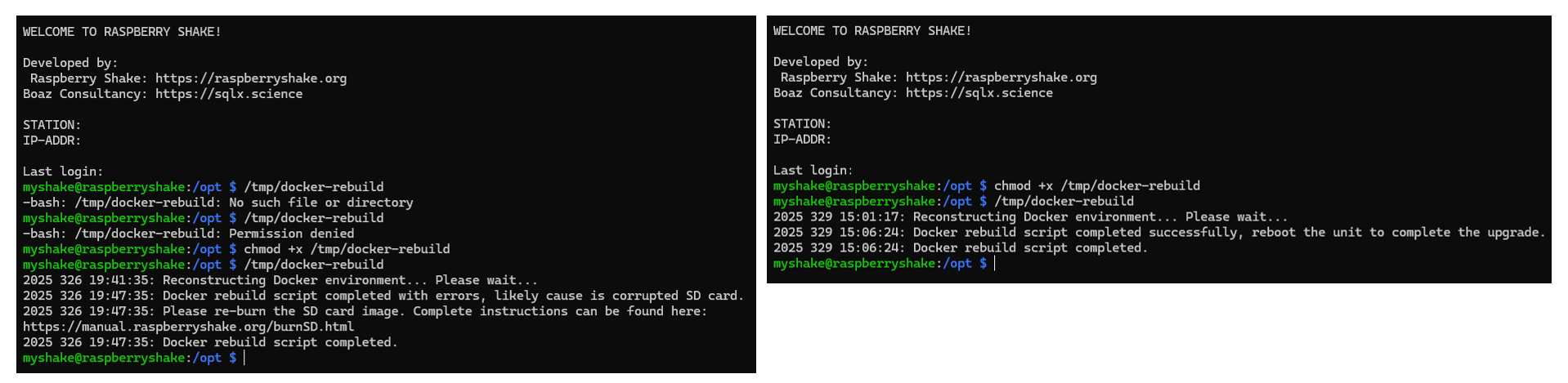
For the unit that originally had the issue, I attempted the docker-rebuild method, but it reported a corrupted SD card (left screenshot). So I replaced it with a new micro-SD card and re-burned the image. After that, the unit is now working normally. Thank you again.
However, I still have a few other units experiencing the same problem:
They appear online in Swarm
SSH access works normally
But the local web interface cannot be accessed
I tried running docker-rebuild and also rebooting the units, but the issue persists on those devices. (right screenshot)
Following your most recent update about the V21 updater, I rebooted the units as recommended, but unfortunately the problem is still not resolved.
I have attached logs.tar and upgrade.log from one of the units that continues to show this behavior.
Thank you again for your time and assistance — it is greatly appreciated.
Here is the additional information for unit RB3F6:
Browser tab title
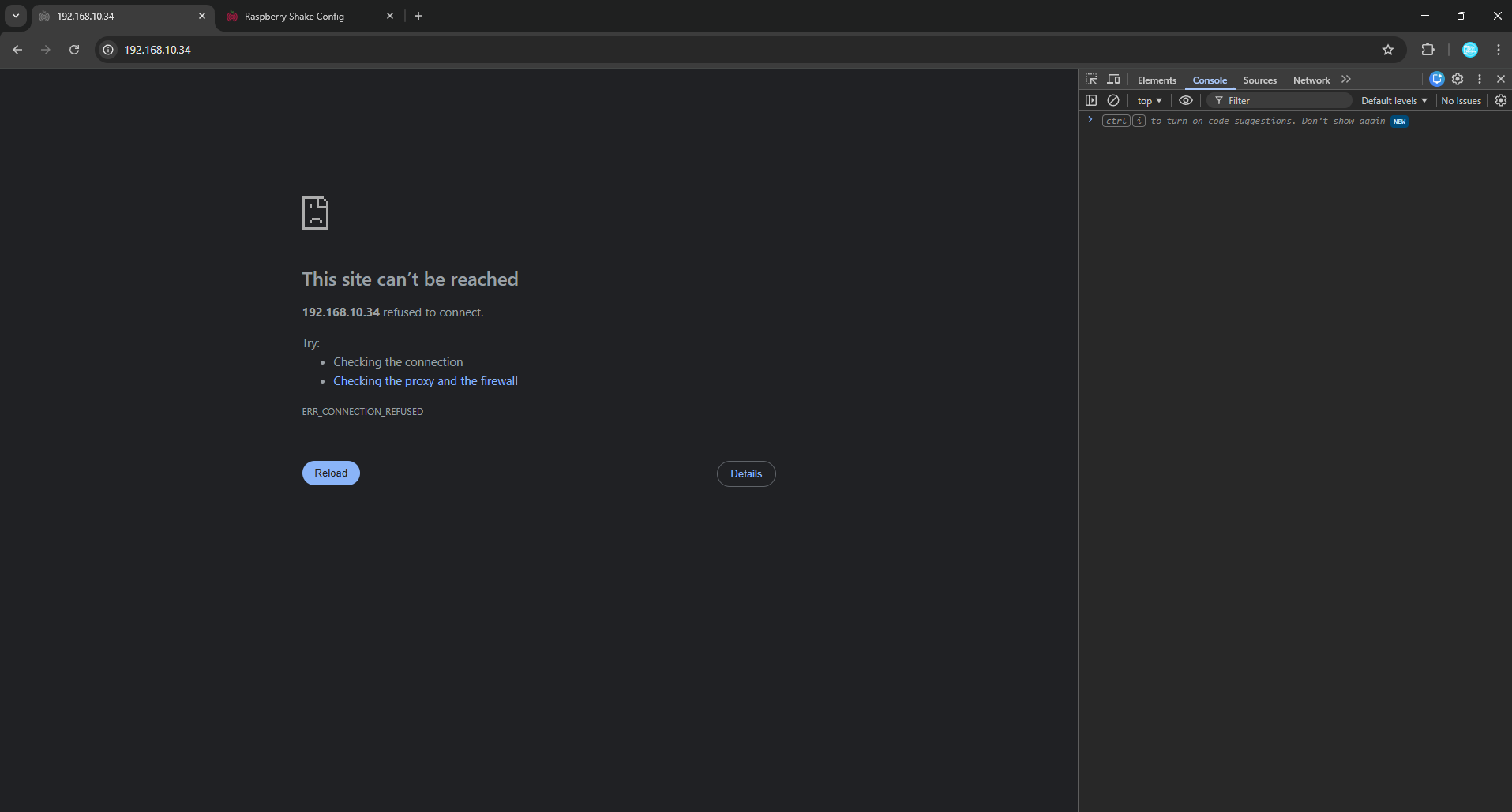
When opening 192.168.10.34 → the tab shows “192.168.10.34”.
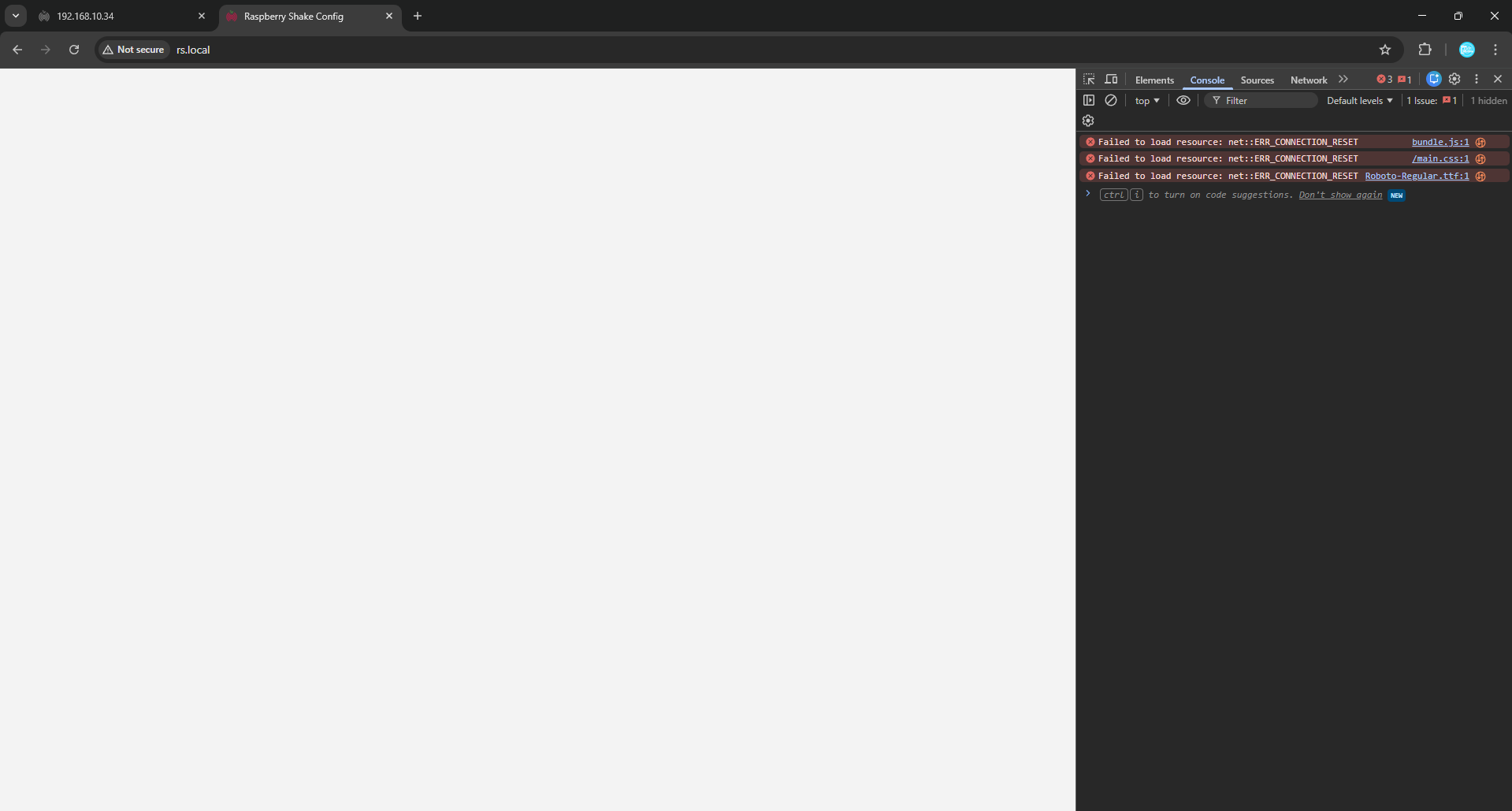
When opening rs.local → the tab shows only “rs.local”.
What is displayed in the browser page
192.168.10.34 shows: “This site can’t be reached – ERR_CONNECTION_REFUSED”.
rs.local shows a completely blank white page.
Browser Dev Tools (F12 → Console)
rs.local displays:
Failed to load resource: net::ERR_CONNECTION_RESET (bundle.js, main.css, Roboto-Regular.ttf)
192.168.10.34 shows nothing in the console because the request is refused immediately.
myshake.out
I logged into the Shake, ran:
sudo /usr/local/bin/myShake
and attached the file /opt/log/myshake.out here as requested.
If you need more logs or want me to test anything else on this unit (or the others with the same issue), please let me know.
Thank you again for your time and support.
we have very recently identified a race condition bug on FE startup we are working to fix: on FE startup, if the DNS server is not yet available, the FE ends up in a non-working state. a later restart of the app fixes the problem since the DNS service has come to be available in the meantime. this is a temporary fix until the patched version is rolled out, in the near future.
please let me know if the output of the ping command, and if the FE becomes active after the service restart command.
I’m having the same problem, I got a notification this morning that my station was offline which (presumably) was the update, a reboot fixed it but the web interface isn’t functioning. Everything else is working OK, I can SSH in, reboot, restart services, etc as above, only the web interface isn’t working, or even running: ECONNREFUSED.
Hello Ixioides, and welcome back to the community!
Thank you for your report and feedback. Our team has identified the issue causing this, and we will release a patch to the latest v21 version to fix it.