Hello, Raspberry Shake Team & Community:
After the Panama earthquake, I was very eager to finally fix my R69E9 1D, which I haven’t been able to fix it because of it not wanting to turn on
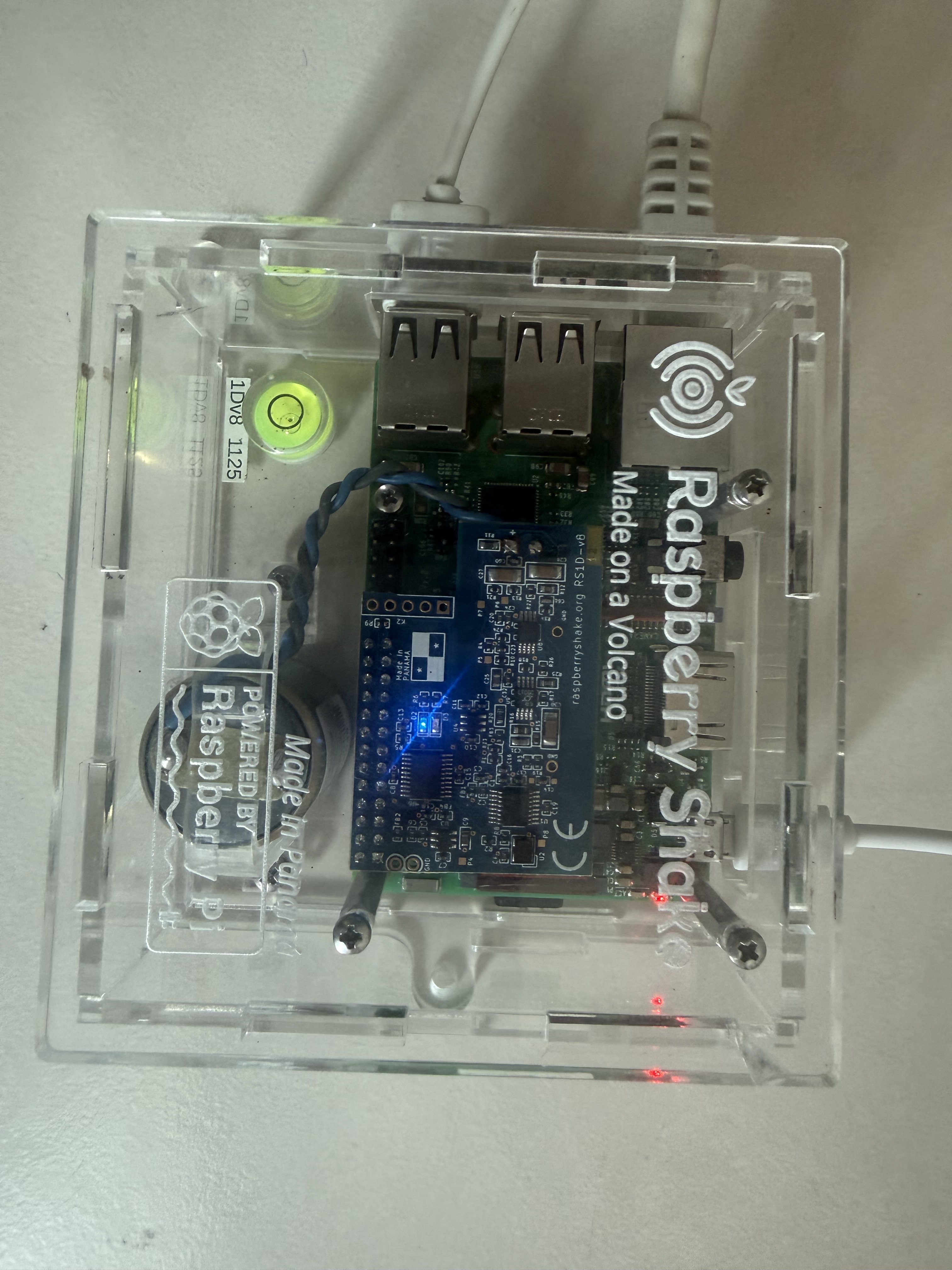
As of now, I’ve finally managed to get it to turn on again, with a stable power source, but the Ethernet connection is having some problems, noting that the Ethernet is turning off and on for some seconds, but the rest of the lights are turning on just fine…
Also, I want to point out that I noticed that the Micro-SD was corrupted and I recently bought a new one and got the Pi Imager and installed the OS files in it and works perfectly.
I can’t locate the problem with the Ethernet and RS local still doesn’t cath a connection, please help
I have some photos and video to share
Thank you
https://drive.google.com/drive/folders/1S7kY4Bgp53C9jWXSxZsqtu4Gze8cFuVR
Hello jboutet16, and welcome back to the community,
Thank you for the detailed explanation and the video. I could see the green LED on the Ethernet port blinking rapidly before going “silent”, but no orange light at all. Could you confirm this for me?
Moving on to troubleshooting, if you haven’t already, could you try a different Ethernet cable or port (even if the lights on the switch appeared to work)?
If that doesn’t work, could you try connecting the Shake directly to the internet router as another test and see if anything happens, or if the LAN port behaves the same way, with no connectivity?
Thank you.
P.s. I couldn’t see any pictures at the link you attached, only the video. Just so you know if they are missing.
Hello, and thank you for the response.
I managed to figure out the Ethernet problem, and it was because of a faulty SD card. Used the Raspberry Pi Imager to reformat it and it worked.
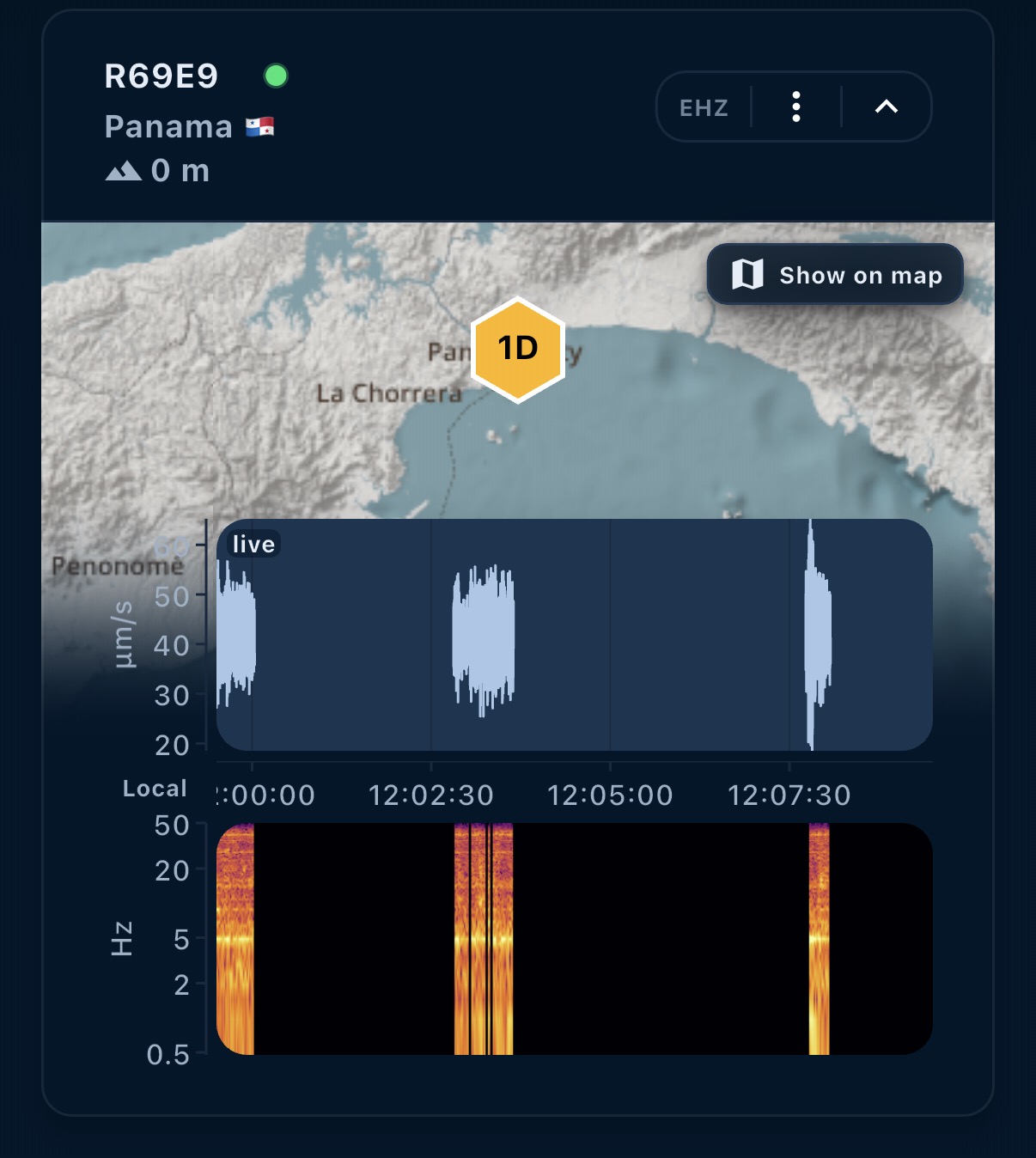
But still, the Shake is kinda having a hard time with uploading data for some reason, with everything working fine…
RSH.R69E9.2026-10-31T17_13_05.logs.tar (3.0 MB)
Hello jboutet,
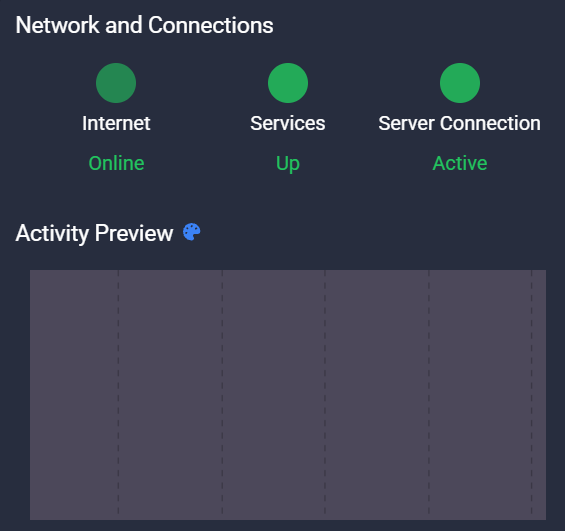
Great to hear that the Shake is now up and running, and also transmitting live data!
The gaps you are seeing, as the logs you sent show, are caused by a temporary lack of power supply to the unit.
I know you said you replaced the previous power supply unit with a stable power source, but something still seems to be preventing the Shake from getting enough power to work properly.
I can suggest the following (if you haven’t already):
- try to connect the Shake power supply to a single wall socket, not an extension cord
- try different wall sockets to see if the one you were using was causing what we’re seeing
- if the power supply unit is not an official Raspberry Pi one, it would be great if you could obtain one. Otherwise, if you (or someone you know) have (has) a power supply you can test, you can try exchanging the one that you’re using with that, to see if it addresses the issue
- as a last resort, if the gaps continue to appear at your location, you can try bringing the Shake to a different one and see what happens there
All these tests have one purpose: to determine whether the current power supply unit is causing the gaps (which seems strange, since you’ve replaced it) or whether something else is affecting the Shake.